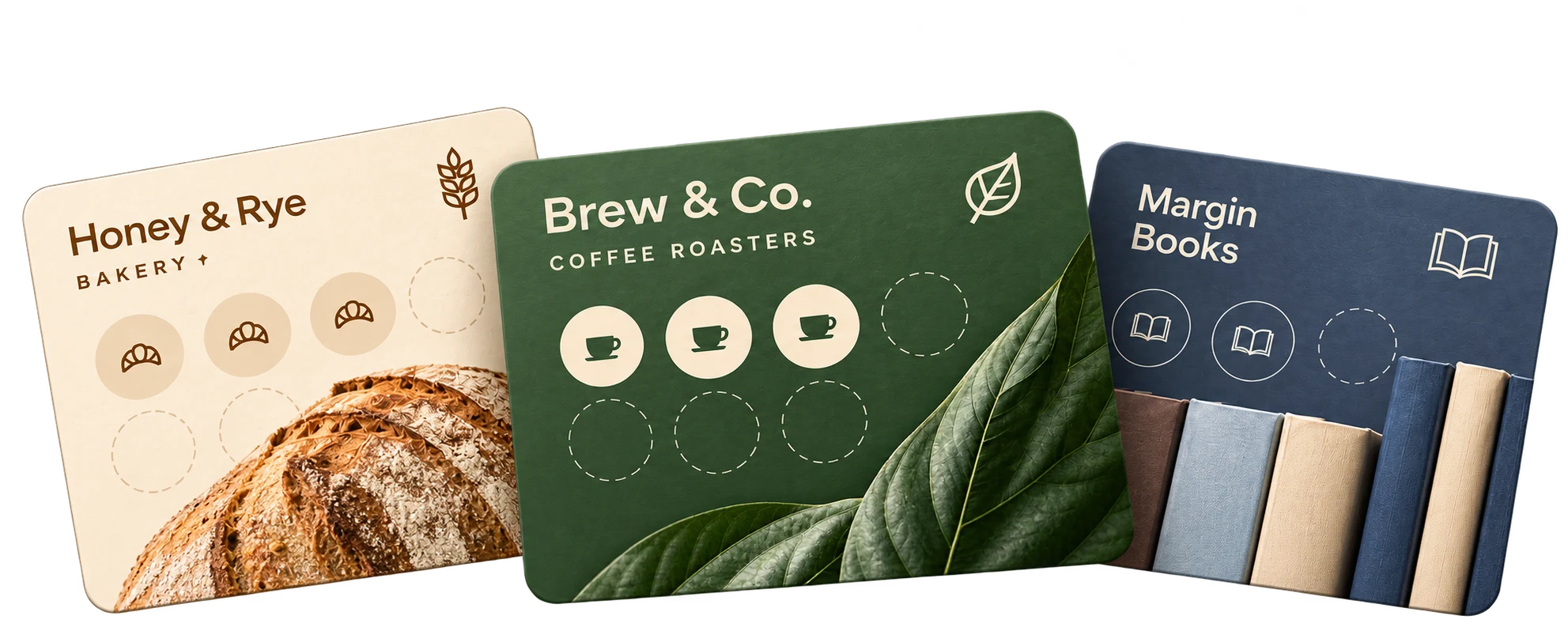
Your loyalty program.
In three simple steps.
Create a digital stamp card, get it into your customers’ wallets, and start rewarding repeat visits — no app, no extra hardware.
Create
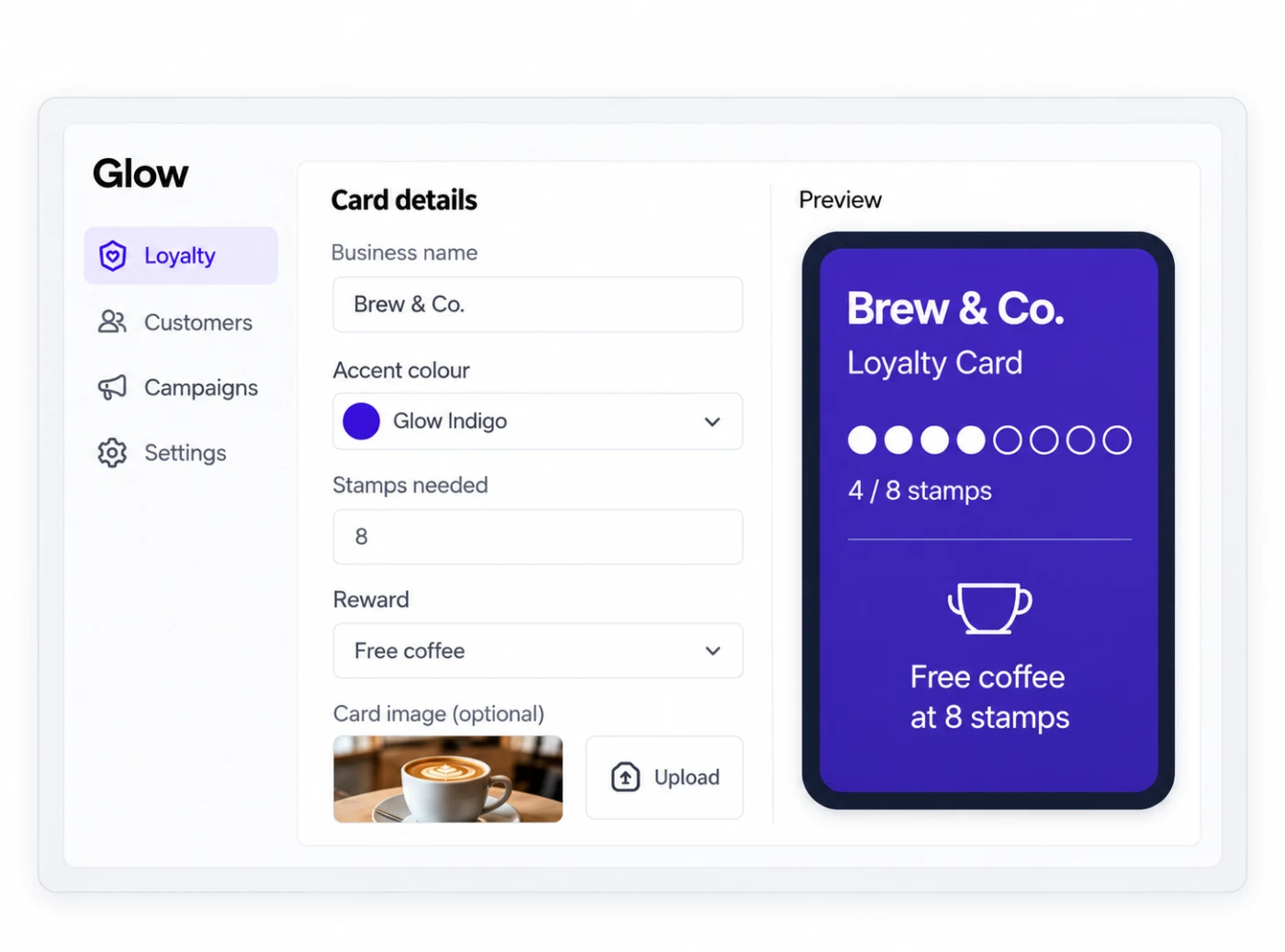
Set up your digital stamp card and reward in the Glow dashboard.
Share
Customers scan your QR code or open a link to save to Apple or Google Wallet.
Reward
Your staff scans the customer’s member QR to add a stamp or redeem a reward.
01Create your stamp card
Add your brand, set how many stamps are needed, and choose a reward. It only takes a few minutes in the Glow dashboard.
02Share with your customers
Put your QR on a table tent, a receipt or your Instagram. Customers scan it and save the card to Apple or Google Wallet — no app to download.
03Reward in store
Your team scans the member’s QR with the Glow Redeem feature, adds a stamp or redeems the reward in a tap — right at the counter.
Frequently asked questions
Do customers need an app?
No. They scan a QR code or open a link to save your card to Apple or Google Wallet.
Can I choose how many stamps and the reward?
Yes. You can set any number of stamps and choose a reward that fits your business.
What do I need in store?
Just the Glow Redeem feature on a smartphone with a camera. No payment terminal or additional hardware is required.
Your best customers, on repeat.
Launch your Wallet loyalty program and give customers a reason to return.
7-day trial on paid plans. Card required.